
This password security guide explains simple habits that protect your accounts in 2026, without technical jargon. Passwords remain a main target for attackers because many people reuse them, choose predictable words, or share them casually. Good password security is not about remembering dozens of complex codes; it is about using a password manager, unique passwords, and two-factor authentication.
Start with the accounts that matter most: email, banking, payment apps, and cloud storage. If someone gains access to your email, they can often reset passwords for other accounts. Protecting email first, then other important accounts, gives you the strongest return for your effort.
Password security: use unique, long passwords
A strong password is long and unique to one account. A passphrase made from several unrelated words can be both strong and easier to remember than a short string of symbols. For example, a phrase built from random words, with numbers or symbols added, is harder to guess than a name, date, or common word.
Never reuse the same password across important accounts. If one site suffers a data breach, reused passwords let attackers try the same login on many other sites. Use a different password for each important account, even if it means relying on a password manager to store them.
Avoid passwords based on personal information that others can find, such as birthdays, pet names, school names, or favourite teams. Attackers often try these first, especially when social media profiles reveal personal details. Randomness, not personal meaning, makes a password stronger.
Use a password manager and two-factor authentication
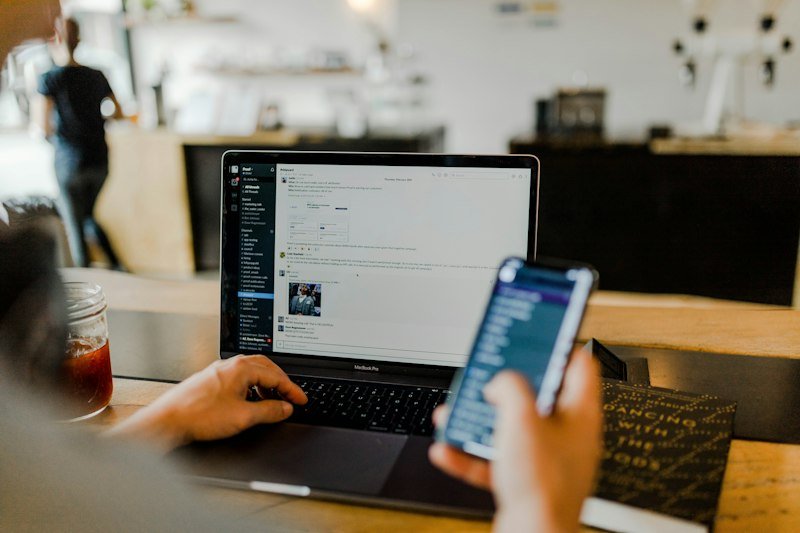
A password manager stores your passwords in an encrypted vault, protected by one strong master password. It can generate random passwords, fill them in automatically, and warn you about reused or weak passwords. Choose a reputable manager, protect it with a strong master password, and enable two-factor authentication for the manager itself.
Two-factor authentication, often called 2FA, adds a second check beyond your password, such as a code from an authenticator app or a security key. Even if someone learns your password, they still need that second factor. Use an authenticator app or security key where possible, rather than SMS codes alone, because SMS can be less secure in some attacks.
Keep backup codes in a safe place, such as a locked drawer or a secure note that only you can access. If you lose your phone, backup codes help you recover accounts without locking yourself out. Test recovery options for your most important accounts before you need them in an emergency.
Spotting phishing and staying safe on shared devices
Phishing messages try to trick you into entering passwords on fake sites. Check sender addresses, avoid clicking urgent links in unexpected messages, and go directly to a site by typing its address or using a bookmark. A real bank or service will rarely ask you to log in through a link in an unsolicited message.
Be careful on shared or public computers. Avoid logging into important accounts, and always log out when you finish. On your own devices, keep software updated, use screen locks, and avoid installing apps from unknown sources. Updates often fix security flaws that attackers exploit.
Also review account activity regularly. Many services show recent logins and devices. If you see an unfamiliar login, change your password, revoke that session, and enable two-factor authentication. Quick action can limit damage after a suspicious login.
What to do if a password leaks
If you learn that a service you use has suffered a breach, change that password promptly, and change any other account that reused it. Check whether your email or password appears in a reputable breach notification service, and watch for unusual account activity in the following weeks.
If you suspect an account has been taken over, change the password, enable two-factor authentication, review recovery email and phone settings, and check for changes such as new forwarding rules or connected apps. Contact the service’s support if you cannot regain access, and be ready to prove your identity.
Do not panic, but do act quickly. A calm, step-by-step response, starting with email and financial accounts, is more effective than changing every password at random. Keep a short personal checklist so you can act without searching for advice during a stressful moment.
Frequently asked questions
How often should I change my passwords?
You do not need to change strong, unique passwords on a fixed schedule. Change a password promptly if a breach is reported, if you shared it, or if you notice suspicious activity. Focus on uniqueness and two-factor authentication rather than frequent changes.
Are password managers safe?
Reputable password managers use strong encryption and are generally safer than reusing passwords or writing them in plain text. Protect your manager with a strong master password and two-factor authentication, and keep its software updated.
Is it safe to save passwords in a browser?
Browser password storage is better than reuse, but a dedicated password manager usually offers stronger controls, breach alerts, and cross-device security. Whichever tool you use, protect the device with a screen lock and keep backups of recovery options.
For related guides, read our guide on laptops in 2026, our guide on what is 5G, our guide on how to earn money from home, explore the Trending Tech News section, and visit the AliDigitalTech homepage.
Finally, make password security a routine, not a one-time task. Unique passwords, a password manager, and two-factor authentication together protect your accounts far better than any single trick, and they take less effort than recovering a compromised account.
Start today with three steps: protect your email with a unique password and two-factor authentication, move your most important passwords into a manager, and check the recovery options on your main accounts. Those three steps alone make most accounts much harder to compromise.
Review these settings once a year, and update them whenever you change phones, jobs, or email addresses.
Pingback: Cashback Apps Explained: How They Work and What to Expect - AliDigitalTech
Pingback: How to Withdraw Money From Earn Money Apps Safely: A Beginner Guide - AliDigitalTech